CraftSpace
Pick a craft, follow the tutorial, walk into a studio that's already set up for you. CraftSpace connects your phone to a smart board so beginners spend less time figuring out and more time making.
Pick a craft, follow the tutorial, walk into a studio that's already set up for you. CraftSpace connects your phone to a smart board so beginners spend less time figuring out and more time making.
Most beginners give up before they start — too many options, no clear guidance, and shared studio spaces that feel intimidating and inaccessible.
CraftSpace bridges your phone and the studio smart board so you always know what to make, what to grab, and who to ask.
The CraftSpace smart board connects the physical studio with the digital guidance provided by the mobile app. When a user selects a craft on their phone, the smart board displays the tutorial, materials, and step-by-step instructions on a large shared screen. This allows beginners to follow instructions easily while keeping their hands free to work with tools and materials.
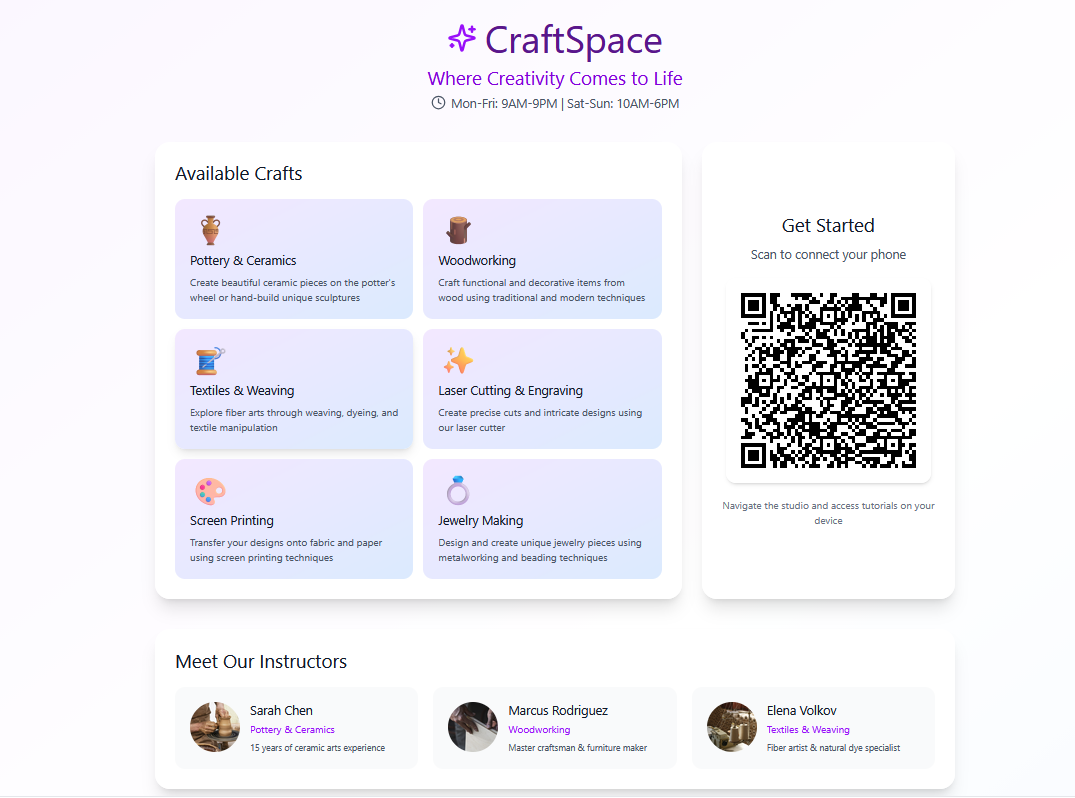
Real-time tutorial display. The smart board mirrors the tutorial you selected in the mobile app, allowing beginners to follow large, clear instructions while working.
Studio equipment guidance. The board highlights which tools and materials are needed and where they are located in the makerspace.
Shared learning environment. Multiple learners can view the instructions together, making it easier to collaborate and ask mentors for help.
Watch how CraftSpace connects digital discovery with hands-on making at the studio.
From 21 user interviews and a makerspace visit to a fully interactive prototype.

We surveyed 21 young adults (ages 18–25) and conducted contextual inquiry at The MILL makerspace. Most participants are beginners learning at home through online tutorials, with frustrations around isolation, lack of structure, and intimidating shared spaces.

Built low-fidelity prototypes to test the craft selection and class enrollment flows with users. Key insight: progress tracking was important.
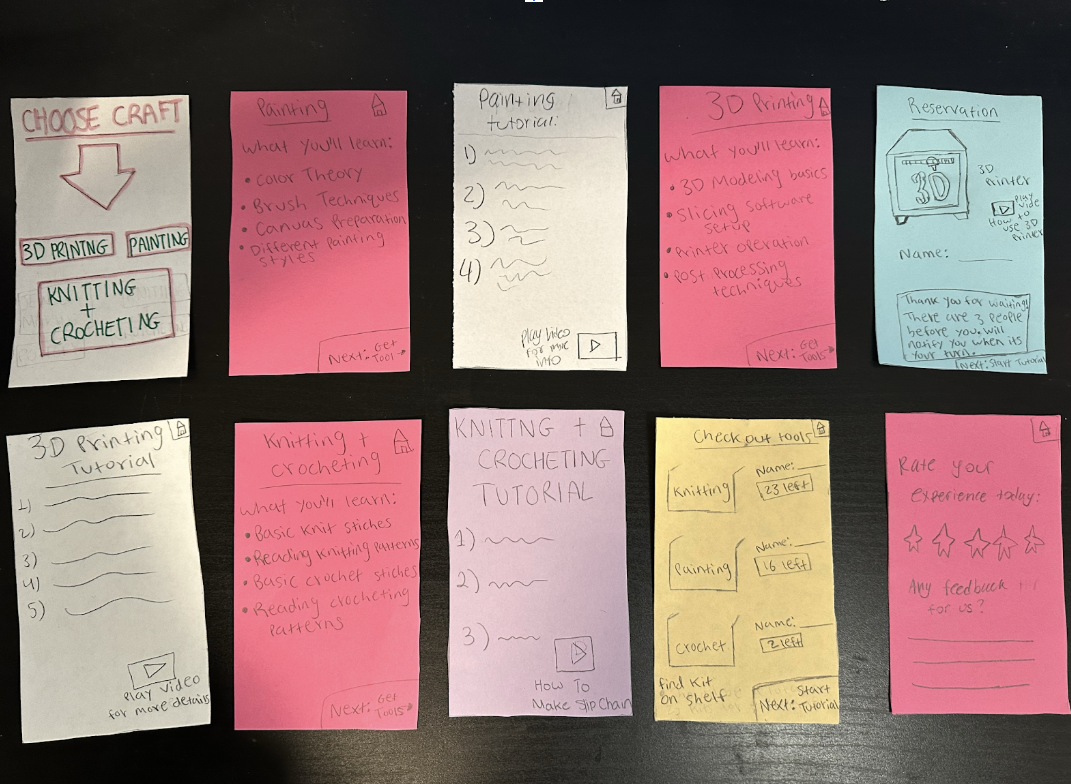
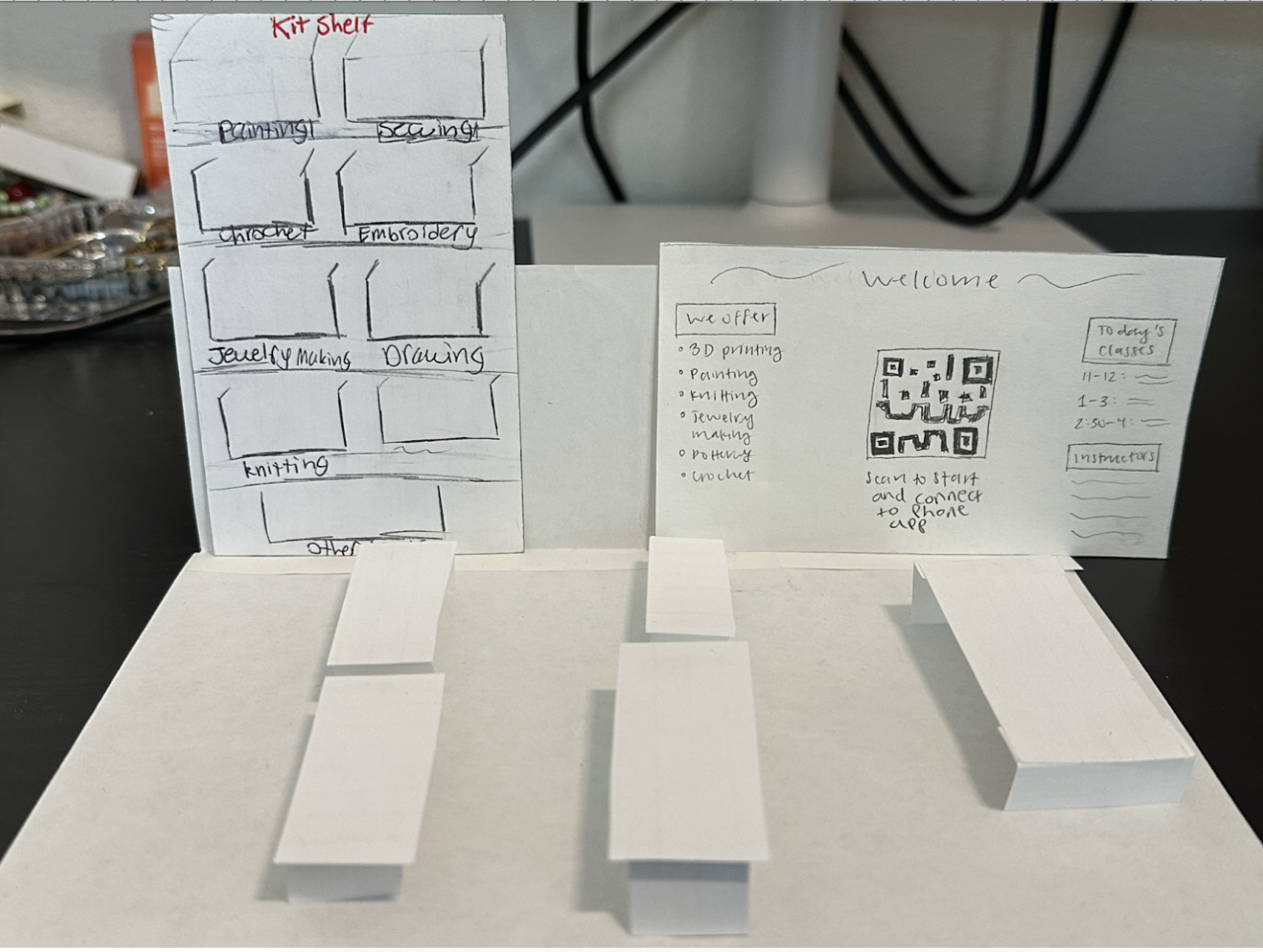

Created a fully interactive Figma prototype with complete user flows — craft browsing, equipment reservation, class enrollment, progress tracking, and mentor connections.

Final visual representation of CraftSpace, showcasing key features and the complete user experience from app to studio.
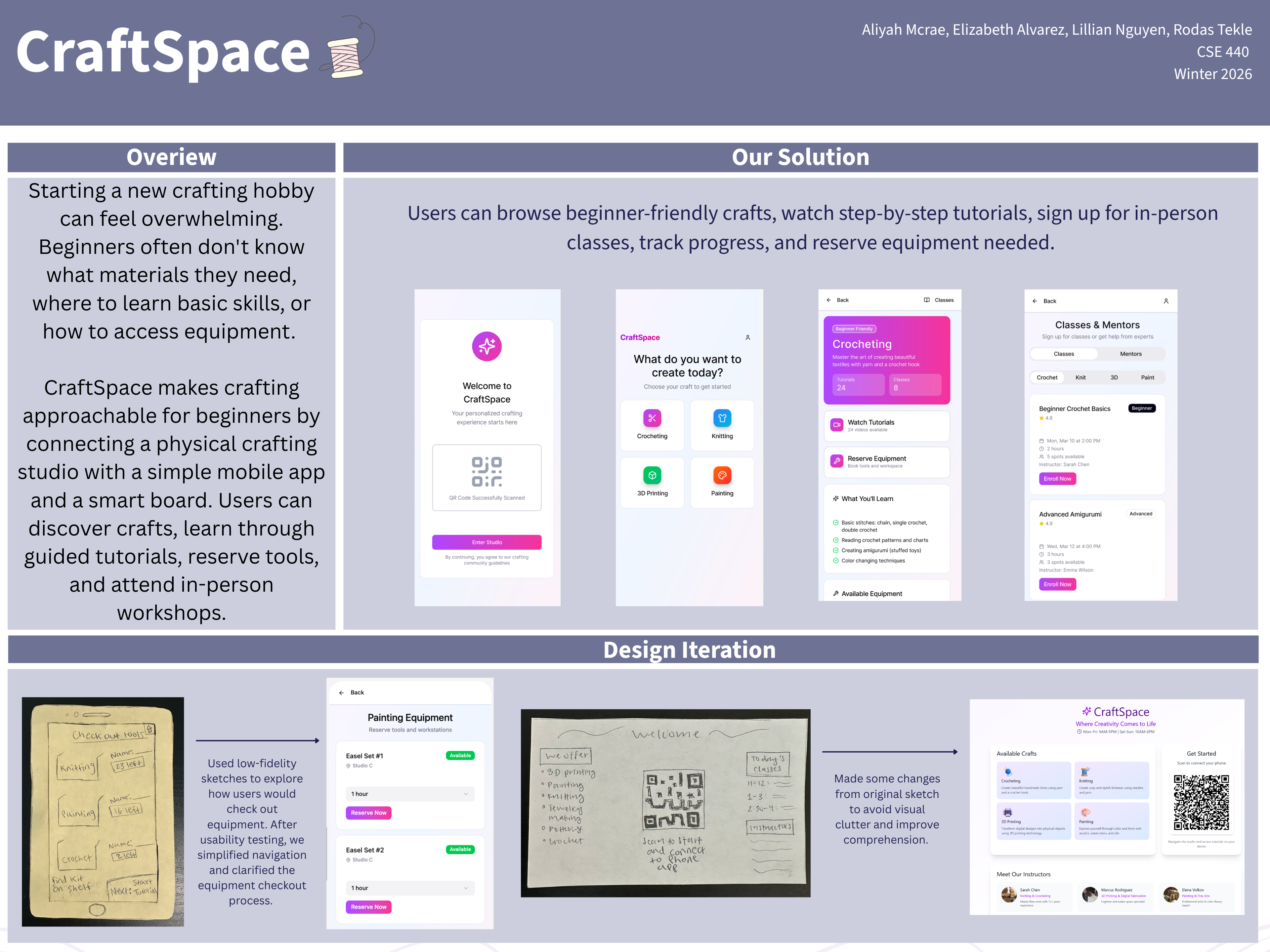
Browse and filter by craft type in the app. Each includes beginner-friendly tutorials, equipment guides, and available classes at our studio.
Yarn, hooks, and endless creativity.
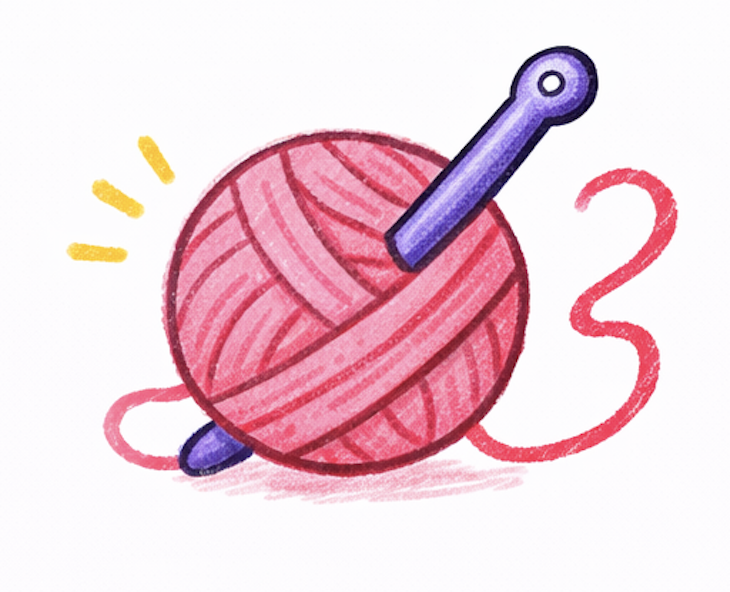
Beginner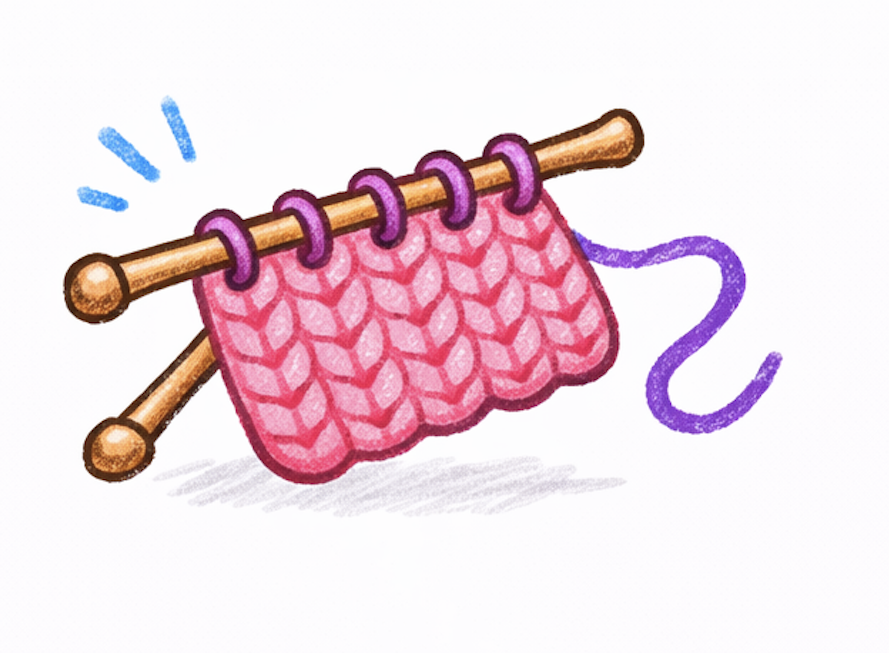
Two needles, endless possibilities.
Beginner
Print physical objects from digital models.
Intermediate
Acrylic, watercolor, and mixed media.
Beginner👆 Select a craft to filter classes
Expert-led, in-person classes available to enroll in through the app. See what's coming next.
Crochet & Painting
Advanced Fiber Arts
3D Printing
Download the app and get making in four simple steps.
Get CraftSpace on iOS and Android. Free account setup.
Explore crafts, watch tutorials, reserve equipment before you arrive at the studio.
Scan the QR code to check in and start making with reserved tools and workspaces.
Sign up for live workshops with expert instructors. Track your progress and earn badges.
Download CraftSpace on iOS and Android and walk into a studio that's already set up for you.
Free · No commitment